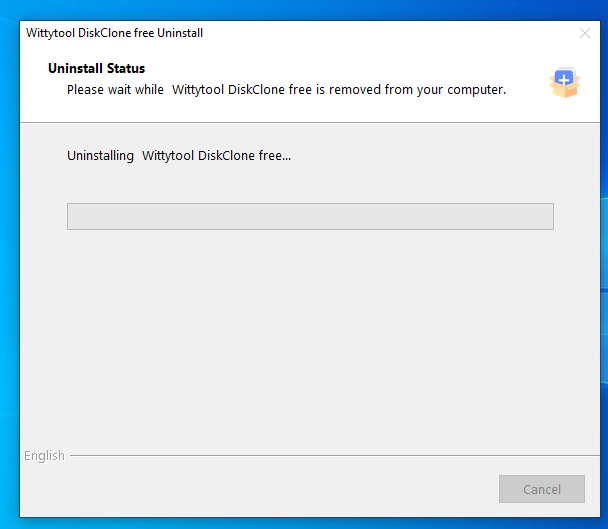

Follow the steps below to uninstall Wittytool Disk Clone from your computer. Before you begin, allow any ongoing cloning task to finish, then close the program.
The screenshots below show Wittytool Disk Clone on Windows 11/10.
Step 1: Open the Uninstaller
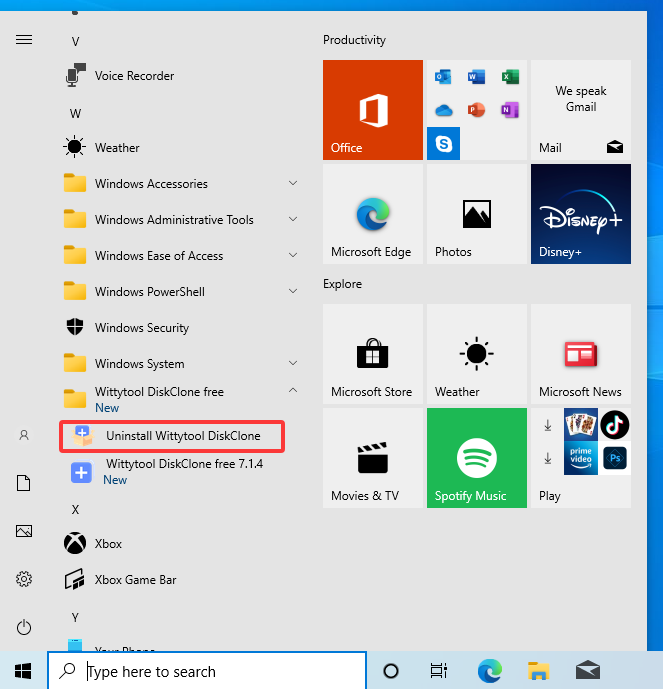
Open the Windows Start menu and find the Wittytool Disk Clone folder in the app list. Expand the folder, then click Uninstall Wittytool Disk Clone.
Step 2: Allow the Uninstaller to Run
If Windows displays a User Account Control prompt for Setup/Uninstall, click Yes to allow the uninstaller to make changes to your device.
Step 3: Confirm the Uninstallation
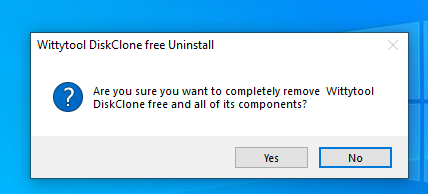
In the confirmation dialog, click Yes to start removing Wittytool Disk Clone and its components from your computer.
Step 4: Wait for the Uninstallation to Finish
The uninstaller will display the removal progress. Wait for the uninstallation process to finish.